

Building a website can feel overwhelming if you don’t know where to start. Whether you’re a small business owner, an entrepreneur launching your first online store, or someone considering a career in web development, understanding the website development process is the first step toward success.
In this guide, we’ll walk you through every stage of the website development lifecycle — from planning and design to launch and maintenance — in plain, easy-to-follow language. By the end, you’ll know exactly how to develop a website, what tools professionals use, and what it takes to build a site that performs.
What Is Website Development?
Website development refers to the process of building, coding, and maintaining a website so it functions properly on the internet. It covers everything from writing the code that powers the site to designing the layout, structuring the content, and testing for bugs before launch.
Many people confuse web development with web design, but they’re not the same thing. Web design focuses on how a site looks and feels — colors, layout, typography, and user experience. Web development is about making that design actually work, using languages like HTML, CSS, JavaScript, and backend frameworks. A complete web design and development process blends both disciplines to create a site that’s both beautiful and functional.
Why the Website Development Process Matters
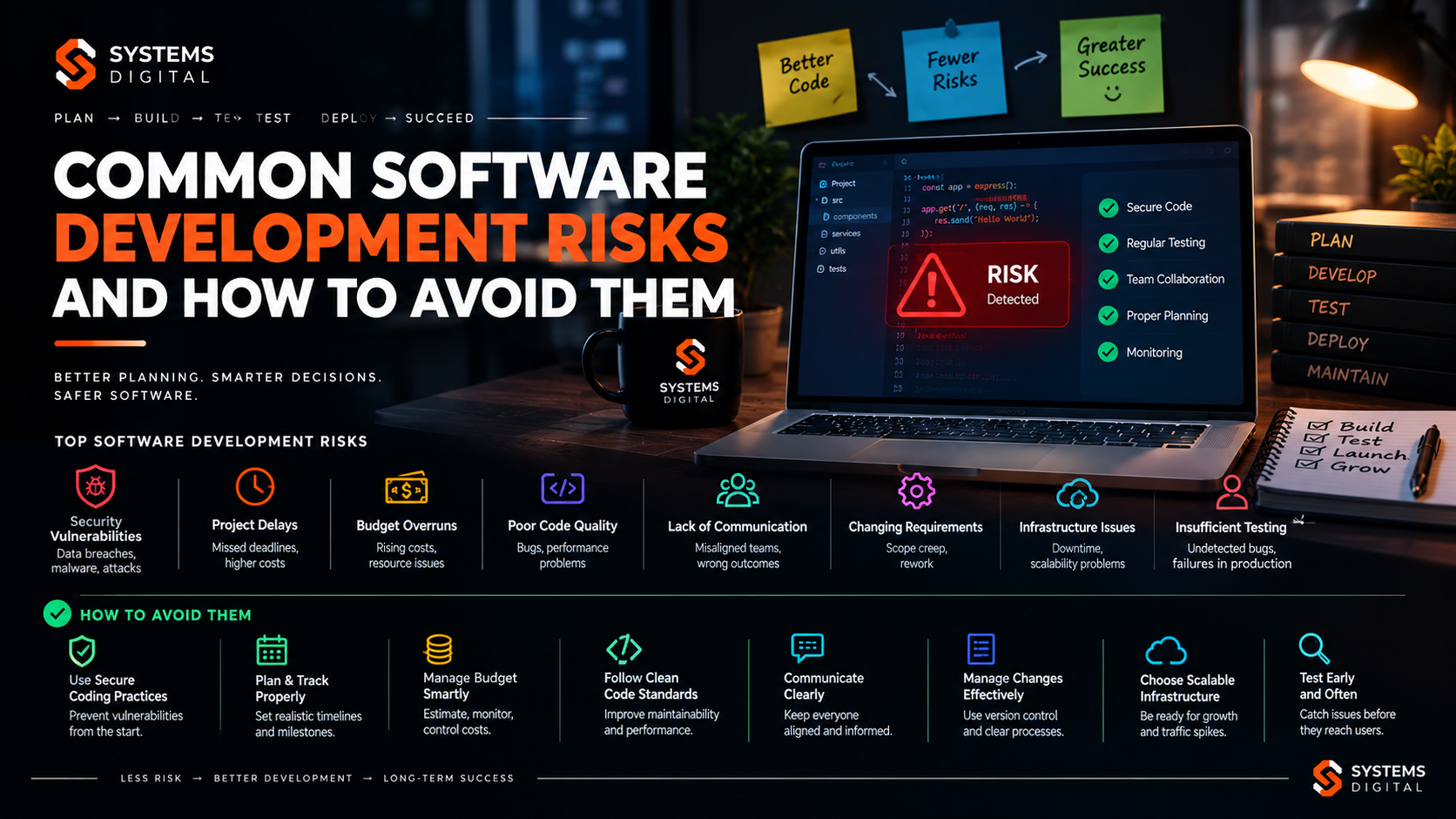
Skipping steps in the development process is one of the most common reasons websites fail to meet expectations. A rushed website development process step by step approach often leads to:
- Poor user experience and high bounce rates
- Slow-loading pages that hurt SEO rankings
- Security vulnerabilities
- Costly redesigns within the first year
Following a structured process ensures your website is fast, secure, scalable, and aligned with your business goals from day one. It also makes the project easier to manage, budget, and communicate across teams — whether you’re working with an in-house developer or an agency.
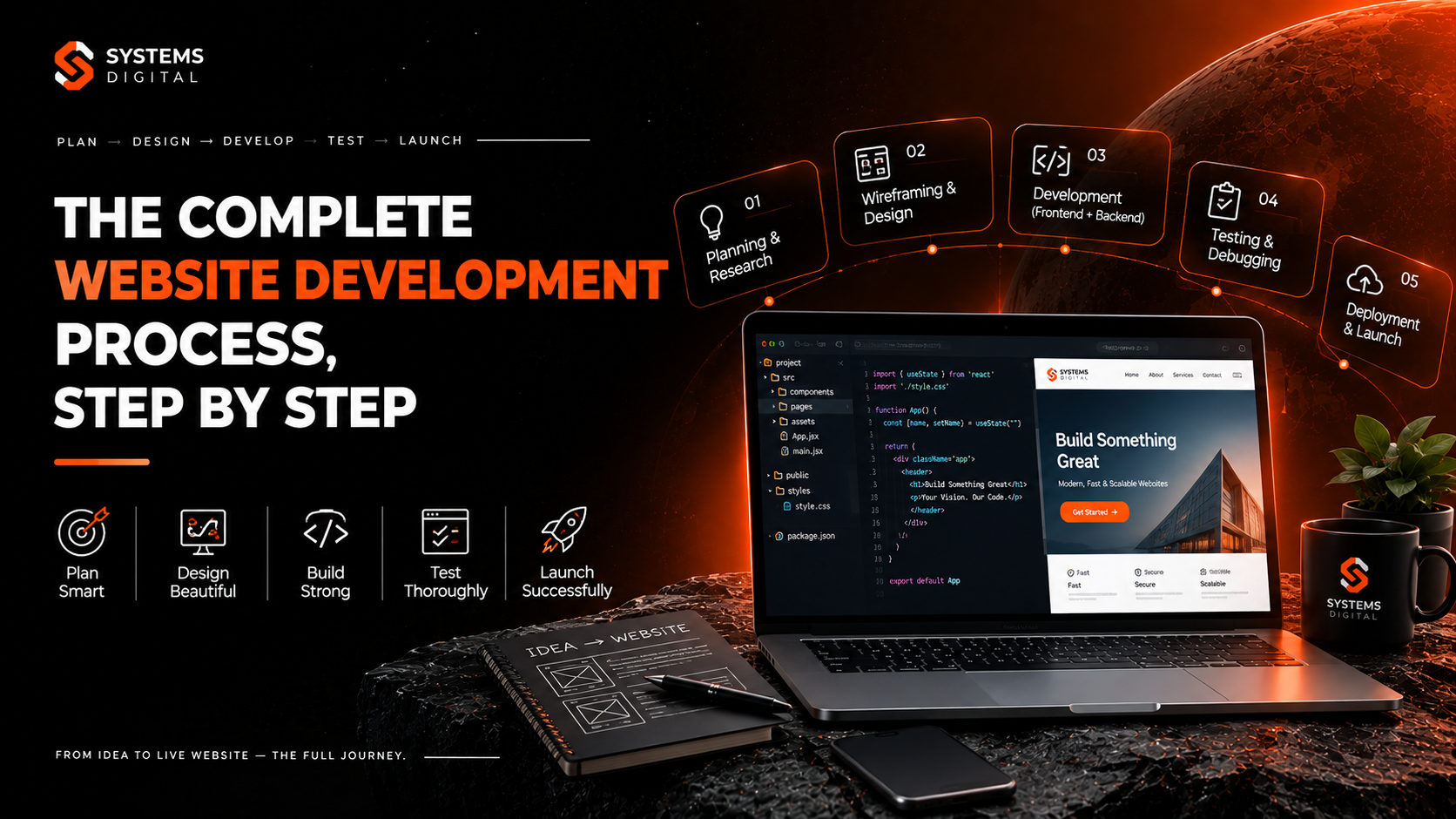
The 7 Stages of the Website Development Process
Most professionals agree the website development process can be broken into these core phases. Let’s go through the stages of website development one by one.
1. Information Gathering & Planning
Before a single line of code is written, the planning phase sets the foundation. This is where you define:
- Purpose – What is the website for? Sales, lead generation, portfolio, blog, e-commerce?
- Target audience – Who will visit the site, and what are they looking for?
- Goals and KPIs – Conversions, traffic, engagement, or brand awareness?
- Scope and budget – What features are needed, and what’s realistic financially?
A solid website development planning process also includes competitor research and a content inventory — understanding what pages, features, and messaging your site actually needs.
2. Sitemap and Wireframing
Once goals are clear, it’s time to map out the website’s structure. A sitemap creation exercise organizes all the pages a site will have and how they connect — Home, About, Services, Blog, Contact, etc.
Next comes wireframing and prototyping — rough sketches or digital mockups showing where content, buttons, and images will sit on each page. Wireframes aren’t about color or branding; they’re about layout and user flow. Tools like Figma, Adobe XD, and Balsamiq are commonly used here.
This step matters because it’s far cheaper to fix a layout problem on a wireframe than after the site is fully coded.
3. Design (UI/UX)
This is where the site starts to look like a real website. The UI/UX design process focuses on:
- Visual branding (colors, fonts, imagery)
- User interface elements (buttons, menus, forms)
- User experience — making navigation intuitive and frustration-free
- Responsive web design — ensuring the site looks great on mobile, tablet, and desktop
Good design isn’t just decoration. Studies consistently show that users form an opinion about a website within milliseconds, and poor design directly increases bounce rates. This stage typically ends with a client-approved mockup ready for development.
4. Content Writing and Gathering
Content should never be an afterthought. Many website development processes fail because content is written after the design is finished, forcing awkward last-minute edits.
The website content development process includes:
- Writing SEO-optimized page copy
- Sourcing or creating images, videos, and graphics
- Writing calls-to-action (CTAs)
- Planning blog or resource content for ongoing SEO
Aligning content with SEO-friendly website structure from the start — using proper heading hierarchy, keyword placement, and internal linking — sets the site up for organic growth long before it launches.
5. Website Development (Coding)
Now the technical build begins. This phase splits into two main tracks:
Front-end development — the part users see and interact with, built using HTML, CSS, and JavaScript (often with frameworks like React or Vue).
Back-end development — the server-side logic, databases, and content management system (CMS) that power the site behind the scenes. Popular platforms include WordPress, Shopify (for e-commerce), and custom frameworks like Laravel or Django for more complex projects.
An ecommerce website development process adds extra layers here — payment gateway integration, product catalog management, shopping cart functionality, and inventory syncing.
During this stage, developers also handle domain and hosting setup, ensuring the site has a reliable home on the web with a properly configured domain name, SSL certificate, and hosting environment suited to expected traffic.
6. Testing and Quality Assurance
Before launch, the site goes through rigorous website testing and QA to catch issues that could hurt user experience or security. This includes:
- Functional testing – Do all forms, links, and buttons work correctly?
- Cross-browser testing – Does the site work on Chrome, Safari, Firefox, and Edge?
- Responsive testing – Does it display correctly on all screen sizes?
- Performance testing – Page load speed, image optimization, code minification
- Security testing – Checking for vulnerabilities, following website security best practices like HTTPS enforcement, input validation, and regular software updates
Skipping this phase is one of the costliest mistakes in any website development process — bugs found after launch are far more expensive and damaging to fix.
7. Launch and Maintenance
Once testing is complete, it’s go-time. Website deployment and launch involves moving the site from a staging environment to the live server, setting up analytics tracking (like Google Analytics and Search Console), and submitting the sitemap to search engines.
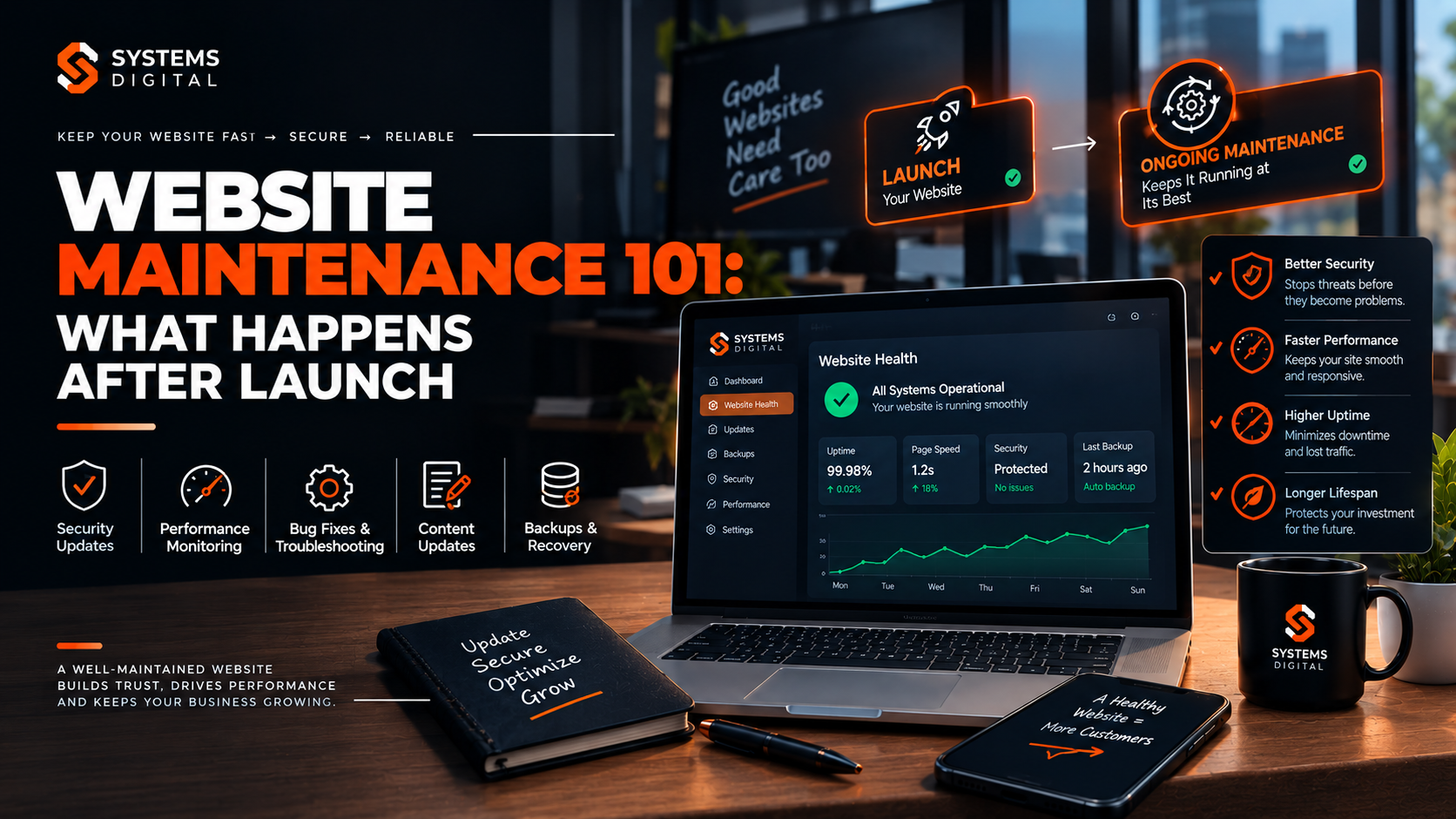
But the process doesn’t end at launch. Website maintenance and updates are ongoing — including:
- Regular software and plugin updates
- Security monitoring and backups
- Performance checks and speed optimization
- Content updates and SEO refreshes
A website is a living asset, not a one-time project. Businesses that neglect post-launch maintenance often see declining rankings, broken functionality, and security risks over time.
Website Development Process Flowchart (Quick Summary)
If you want a simple website development process flowchart to reference, here’s the condensed version:
- Planning & Research
- Sitemap & Wireframing
- UI/UX Design
- Content Creation
- Development (Front-end + Back-end)
- Testing & QA
- Launch & Ongoing Maintenance
This same structure applies whether you’re following a traditional waterfall approach or an agile website development process, where teams work in shorter sprints and release updates incrementally rather than all at once.
Key Skills and Tools Used in Website Development
Understanding the process also means understanding the toolkit behind it. Common skills and tools include:
Design tools: Figma, Adobe XD, Canva
Front-end languages: HTML, CSS, JavaScript
Front-end frameworks: React, Vue, Angular
Back-end languages: PHP, Python, Node.js, Ruby
CMS platforms: WordPress, Shopify, Webflow
Version control: Git and GitHub (increasingly essential in any modern GitHub process website development workflow)
Testing tools: BrowserStack, Google Lighthouse, GTmetrix
Project management: Trello, Asana, Jira
Beyond technical skills, successful web developers also need strong communication, problem-solving, and time-management abilities — especially when managing client expectations and deadlines.
Job Scope, Salary, and Demand
Web development remains one of the most in-demand tech careers worldwide, and Australia is no exception. As businesses continue shifting online, demand for skilled developers, designers, and digital strategists continues to grow steadily.
Roles within this field include:
- Front-end developer – focused on the visual and interactive side of websites
- Back-end developer – focused on servers, databases, and application logic
- Full-stack developer – skilled in both front-end and back-end development
- UI/UX designer – focused on user experience and interface design
- Web project manager – oversees the entire development process
Salaries vary based on experience, specialization, and location, but web development consistently ranks among the higher-paying tech careers for entry-level to senior professionals, with strong long-term career progression into senior developer, tech lead, or freelance/agency ownership roles.
Why Choose System Digital
Navigating the full website development process — from planning to launch — takes experience, the right tools, and a team that understands both design and technical execution. That’s where Why Choose System Digital comes in. With a structured, transparent approach to every website development phase, System Digital helps businesses avoid the common pitfalls of rushed or poorly planned builds.
If you’re ready to go deeper into more advanced web solutions, you can explore Advanced Services at System Digital to see how a professional team can take your project from concept to a fully optimized, live website.
How to Learn Website Development (Free + Paid Resources)
If you’re interested in learning the process yourself, here are solid starting points:
Free resources:
- freeCodeCamp – full curriculum covering HTML, CSS, JavaScript, and back-end basics
- MDN Web Docs (developer.mozilla.org) – the industry-standard reference for web technologies
- YouTube tutorials from channels like Traversy Media and The Net Ninja
Paid resources:
- Udemy and Coursera web development bootcamp courses
- General Assembly and Le Wagon immersive coding bootcamps
- University-accredited diploma or degree programs in software or web development
Starting with the fundamentals — HTML, CSS, and JavaScript — before moving into frameworks and back-end development gives you the strongest foundation.
Real-World Examples
Consider a small e-commerce brand launching its first online store. Without a structured process of developing an ecommerce website, the team might jump straight into design without planning the product catalog structure, leading to a messy checkout experience and abandoned carts.
Compare that to a business that follows the full lifecycle: they research their audience, wireframe the user journey from homepage to checkout, design a clean and trustworthy interface, write persuasive product copy, build with a reliable e-commerce platform, test thoroughly across devices, and launch with analytics in place. The difference in performance — conversion rates, load times, customer trust — is significant.
Future Career Opportunities in Australia
The web development field in Australia continues to expand alongside the broader digital economy. Opportunities exist across industries — from tech startups and digital agencies to in-house roles at retail, finance, healthcare, and government organizations.
As businesses increasingly prioritize mobile-first design, accessibility, and AI-enhanced user experiences, developers who stay current with evolving tools and frameworks will find themselves well positioned for long-term career growth, whether in full-time employment, contracting, or freelance work.
Frequently Asked Questions
What are the 7 steps of web development?
The seven core steps are: planning, sitemap and wireframing, design, content creation, development (coding), testing and QA, and launch with ongoing maintenance.
What is the website development life cycle?
The website development lifecycle is the full journey a website goes through — from initial research and planning to design, coding, testing, launch, and post-launch maintenance and updates.
How much does website development cost?
Costs vary widely depending on complexity, ranging from a few hundred dollars for a simple template-based site to tens of thousands for a custom-built platform with advanced functionality.
How long does it take to build a website?
A simple site can take a few weeks, while a complex e-commerce or custom web application can take several months, depending on scope, revisions, and testing requirements.
What is the difference between web design and web development?
Web design focuses on the visual layout and user experience, while web development focuses on building the functional, coded structure that brings that design to life.
What comes after website development?
After development and launch, the site enters an ongoing maintenance phase — including security updates, performance monitoring, content refreshes, and SEO optimization.
Conclusion
The website development process, step by step, is a structured journey — not a single task. From planning and wireframing to design, coding, testing, and long-term maintenance, every phase plays a critical role in building a website that actually performs.
Whether you’re planning to build your own site, hire a developer, or start a career in web development, understanding this process gives you a real advantage. Ready to put it into action? Book a seat at Advanced Services offered by System Digital and take the next step toward a website that’s built the right way.